

Yanfactorial
digital art
11subscribers
21posts
About
Hello!
My name is Yan, I draw illustrations and make character design.
Nice to meet you! You are very welcome here.
❥ I will place here anything that should be on the other media as well... just in case. My country is falling apart and I need a place where I still can draw if it shuts down. Also I offer you here some of subscription options with bonuses. Follow me freely! And thank you for considering to support me, it means alot. Selling my art is my only income.

❥ What types of posts to expect here?
Comms are closed for now!
❥ Commission prices - here
❥ Commission prices - here

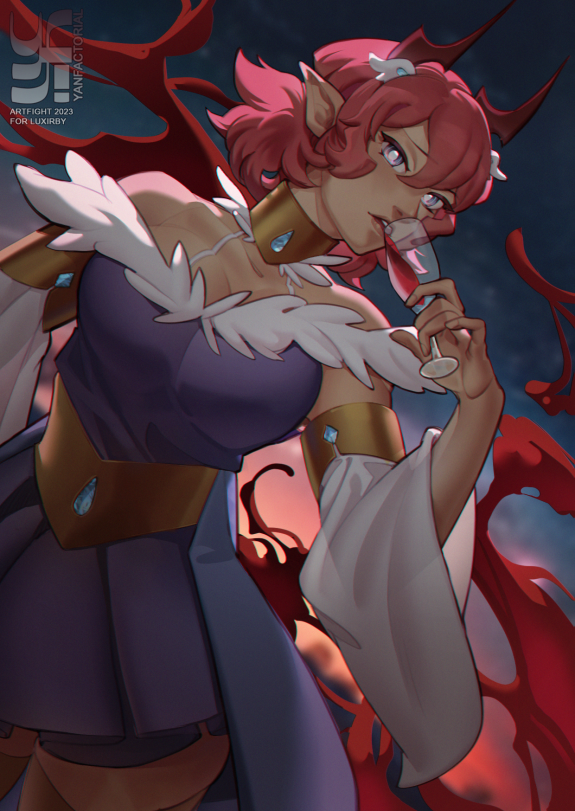
[Speedpaint] Artfight 2023 - Lux
Character belongs to Luxirby
I did only 2 ArtFight attacks this year, and totally forgot I recorded one of them.
I did only 2 ArtFight attacks this year, and totally forgot I recorded one of them.
digital art
speedpaint
Artfight 2023
Two my artfight attacks this year. The evil queen and the good druid.

[Finished] Souya-san and his cats
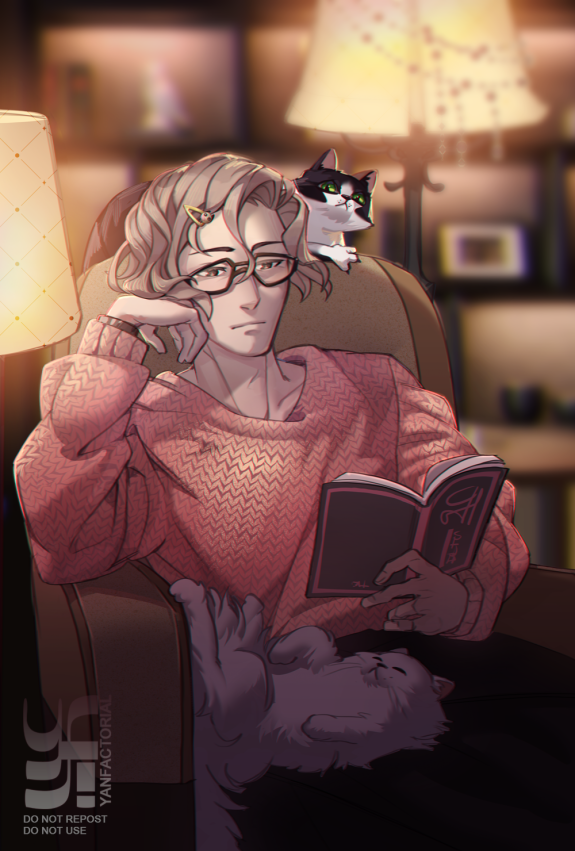
Souya is a CEO in hero costume production of H-Pro company and full-time OC of mine in BNHA setting. He has two cats at home, as you may see. The hairpin he wears is his daughter's.
digital art
finished work
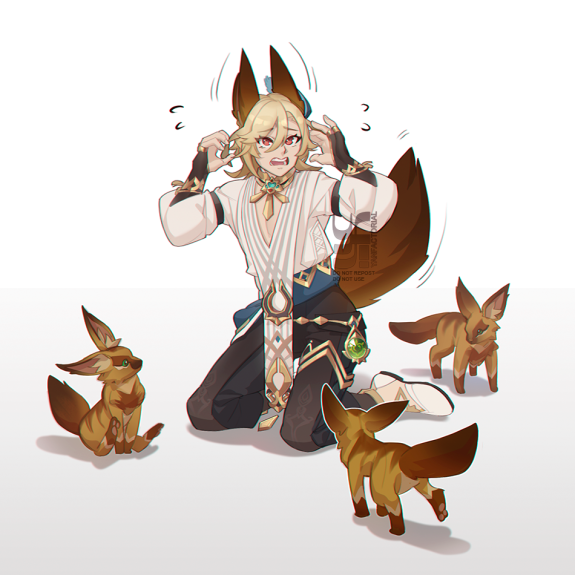
[Finished] Kaveh, where did you get them?
Ah, it is just a little bonus to the speedpaing video.
digital art
finished work
[Speedpaint] Kaveh, where did you get them?
What is this?! Looks like foxes took Kaveh for one of their own...
I drew this little picture on a whim during the "A Parade of Providence" event. It's quite small, but during its process, I realized that it is a good example of what every artist should know about - post editing.
At the end of the video there are small comments with examples of how I made it for this picture.
digital art
speedpaint
How to pay via Boosty instruction [update]
Hellou folks! I'll be short here: Boosty got updated lately very well, which reduced amount of steps we need to take now to use it, but that caused old instructions to become slightly inaccurate. So here's an updated info. You are free to share it and use, of course.
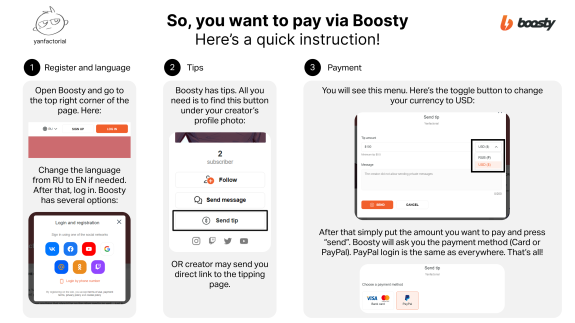
The same steps are described in text below:
(1) Register and language
- Open Boosty and go to the top right corner of the page.
- There you can change the language from RU to EN if needed.
- After that, log in. Boosty has several options, one of them is Google which is always nice.
(2) Find Tips
- Boosty has tips. And I mostly use them for payment. However, there're also subsriptions and paid posts, but let's go with the tips for now. All you need is to find the button "Send Tip" under your creator’s profile photo.
[ALSO creator may send you direct link to the tipping page. Looks like this - https://boosty.to/yanfactorial/donate]
(3) Payment
[ALSO creator may send you direct link to the tipping page. Looks like this - https://boosty.to/yanfactorial/donate]
(3) Payment
- You will see the payment menu. (!) There’s the toggle button to change your currency from RUB to USD.
- Message for creator is optional, only they will see it.
- Put the amount you want to pay and press “send”. Boosty will ask you the payment method (Card or PayPal). PayPal login is the same as everywhere. Surprise!
That's all!
If you have any issues with Boosty, do not panic! To send the ticket go to the bottom left corner of the page. Here's a "Support" button.
- Put the amount you want to pay and press “send”. Boosty will ask you the payment method (Card or PayPal). PayPal login is the same as everywhere. Surprise!
That's all!
If you have any issues with Boosty, do not panic! To send the ticket go to the bottom left corner of the page. Here's a "Support" button.
info
Creator has disabled comments for this post.
[Speedpaint] Four commissioned portraits
Time-lapse video of four portraits I've made in the train while running away from home. I found strength to finish it, so there will be more content soon. Welcome back, me.
digital art
speedpaint
Subscription levels0
No subscription levels

Send tip
Yanfactorial
You need to sign in to send a tip.
0/200