
NextGen Modpack (Free)
Follow Instructions mentioned here: Link

Important Note:
- Before placing Modpack content into Mods folder, first open the game without any mods, and then go to In-Game Settings->Others->View Custom Content->Untick/Disabled "Show at Startup" option. If you don't do that, the game will freeze at loading screen. Once its done, place the modpack content in Mods and start the game as usual.
- If you're using Anadius DLC, always run Unlocker after every game update. If you dont, the game UI will look broken.
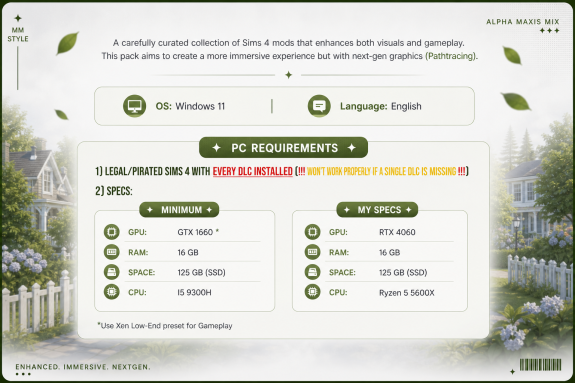
- Please ensure you have installed EVERY SINGLE DLC
- Make sure all DLC is installed, or you may encounter issues.
- Translations isn't include in modpack, and must be downloaded separately.

许鑫瀚

May 06 13:59
Creator has disabled comments for this post.