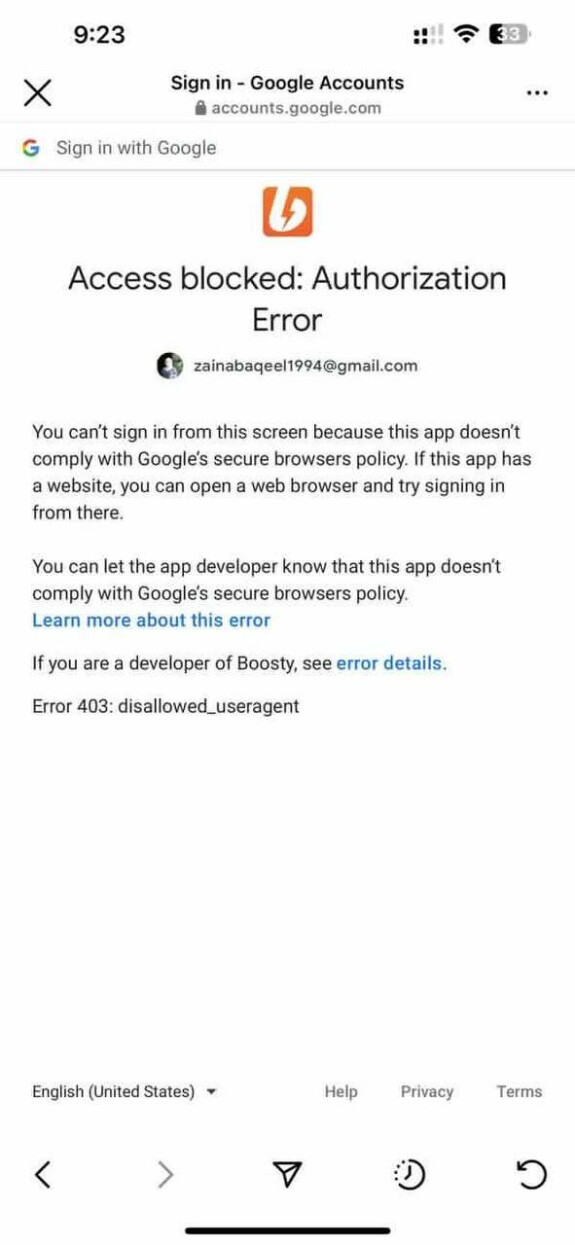
By error payments
If card payment fails:
check that the correct card payment method is selected (not for RF cards)
if the card is already linked (a mask is shown in the interface) try to select payment with a new card and enter the data again
the next step is to write to the support of your bank - most likely the payer's card does not support confirmation via 3D-secure, and our payment partner requires it. You need to ask the bank to enable 3DS for this card. If this is not possible, then choose another card, or paypal
If the bank replies that the problem is not in it, then first you need to try to make a payment for a small amount
If the payment for a small amount has passed, it makes sense to write to support. If it didn’t pass, it means that our payment partner does not accept this card, and the project will not be able to help here
If paypal doesn't work
First of all, write to Paypal support and ask the reason for the rejection of the payment. If PayPal thinks it's not the problem, then
try to spend a smaller amount (1-2 dollars \ euro)
If the payment for a small amount has passed, it makes sense to write to support. If it didn’t pass, it means that we, in principle, will not be able to withdraw money from this wallet for some reason beyond our control.
More on PayPal
Make sure that the payment is from the balance of the stick's wallet, otherwise the stick will refer to the account / card of the bank, which may have restrictions on cross-border transfers. Let the client make a payment from a desktop computer or laptop and not from a phone, while trying different browsers. If the client was able to pay before, then let him re-link the stick account (new payment method). As a last resort, you will have to call the bank and ask to remove the restrictions for the required operation (they should display a blocked transfer there)