
VR3D Exclusive: Private VR Player is now
Hi guys!
Thank you for supporting VRMOTION / VR3D Exclusive.
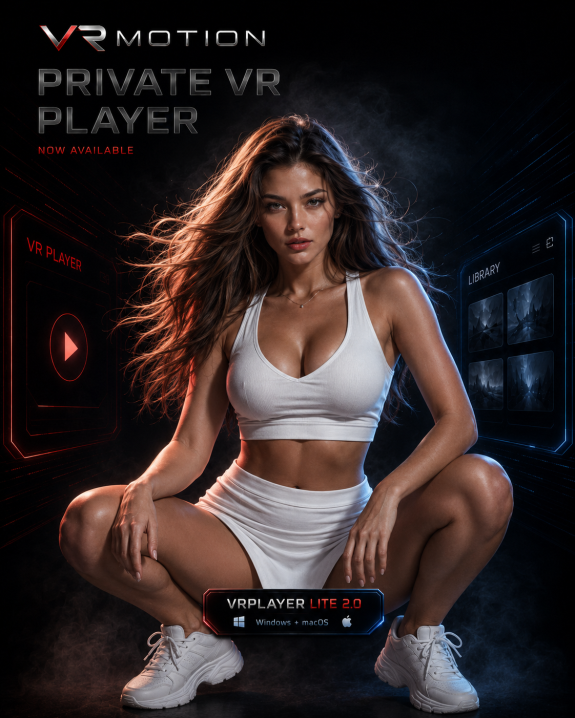
We’ve prepared a private VR web player for active subscribers, and it is now available for testing.
Access is available only while your Patreon or Boosty subscription is active. If your subscription ends, access to the private player is closed automatically.
We’ll gradually add more VR content to the player, so please keep in mind that the full library is not uploaded there yet.
How to access
Step 1
Open the private VR player:
Step 2
Enter the same email address that is connected to your active Patreon or Boosty subscription.
Step 3
Open the available VR content and test playback.
Also available: VRMOTION VRPLAYER LITE 2.0 — Windows + macOS
If you prefer to download VR files to your computer, you can also use VRMOTION VRPLAYER LITE 2.0 for local playback.
The player is available for both Windows and macOS and is designed for downloaded VR video files.
Download VRMOTION VRPLAYER LITE 2.0 — Windows + macOS here:
If access does not open
Make sure you entered the same email used for your active Patreon or Boosty subscription.
Please also remember that Google Drive requires a Gmail / Google account.
If the email connected to your Patreon or Boosty subscription is not a Gmail / Google email, Google Drive folder access cannot be granted to that address.
To receive Google Drive access, please change your email directly inside your Patreon or Boosty account to a Gmail / Google account.
Please do not send us a different email manually in private messages. The system uses only the official email connected to your active subscription.
If you still have questions, contact us through Patreon / Boosty messages or Discord.
Boosty:
https://boosty.to/vrmotion
https://boosty.to/vrmotion
Patreon:
https://www.patreon.com/VRMOTION
https://www.patreon.com/VRMOTION
Discord:
https://discord.gg/vrmotion
https://discord.gg/vrmotion

