
JUST ORC (NOMAD SCULPT SHOWCASE)
Hi! For a very long time I wanted to create some fantasy monster on Ipad with Nomad Sculpt.
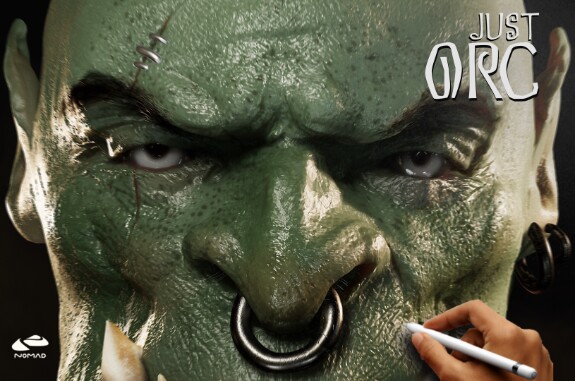
VIDEO SHOWCASE:
Yes I use Clay tools because they give me more control for brushes and they feels more natural. it's very important for me. And as you can see, these tools are universal and allow you to create not only a clay look, but also a realistic one.
All renders from IPAD:
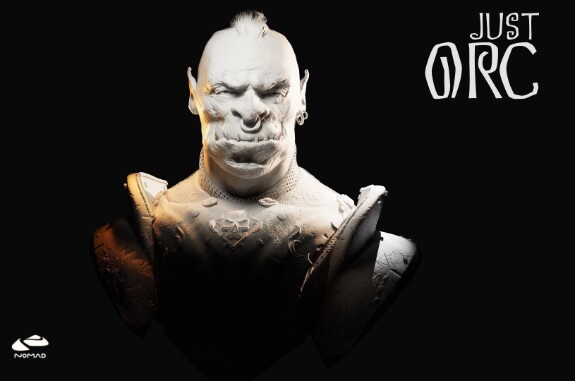

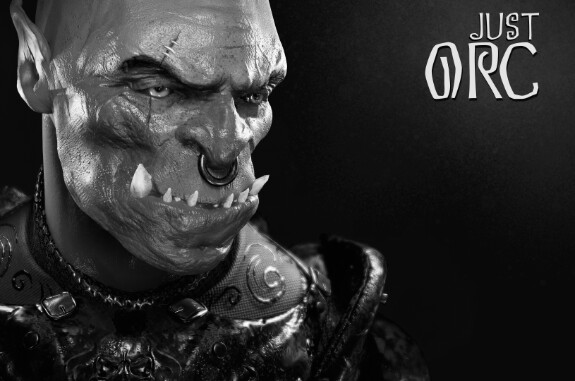
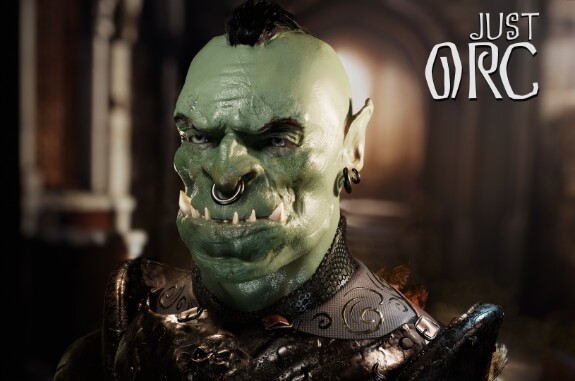
Brushes: RaZuM digital clay 2.1/ Skin Alpha brush pack
Links Just in Case:
Clay https://boosty.to/razuminc/posts/61e65965-d845-40ce-9c40-03789dae1c2d?share=post_link
Skin Alpha:
https://boosty.to/razuminc/posts/acddb327-624c-4285-94ae-d09bb32b9a54?share=post_link
Links Just in Case:
Clay https://boosty.to/razuminc/posts/61e65965-d845-40ce-9c40-03789dae1c2d?share=post_link
Skin Alpha:
https://boosty.to/razuminc/posts/acddb327-624c-4285-94ae-d09bb32b9a54?share=post_link
Materials: Smart Materials/WIP
And this is far from the limit of detail! While I was making an orc, purely for testing and experimentation. I baked all skin materials in Nomad for optimization purpose.
The project file is available for my subscribers; you can see how the hair was made, the settings of the scene, light, and so on.
Project file download: (needs 4gb of Ram or more)
nom
RaZuM_orc sculptopt.nom701.98 Mb
I hope you liked my work, write in the comments or private messages, I always love to chat!
P.S I'm still looking for a screen capture option because I want to rethink my setup to get the best video possible. Capturing the screen from the iPad directly has its drawbacks, especially the very large size of the video, and I would like to be able to see my hands too. The memory of my iPad is almost full, and transferring videos is quite problematic and even painful to delete. Therefore, I will look for a solution and will definitely share it with you. Or I’ll delete the unnecessary stuff and start from scratch.
nomadsculpt

My old works were not so detailed.
I think you can do even better - just a little practice!