
[neko_22n] The sims4 Pose #42
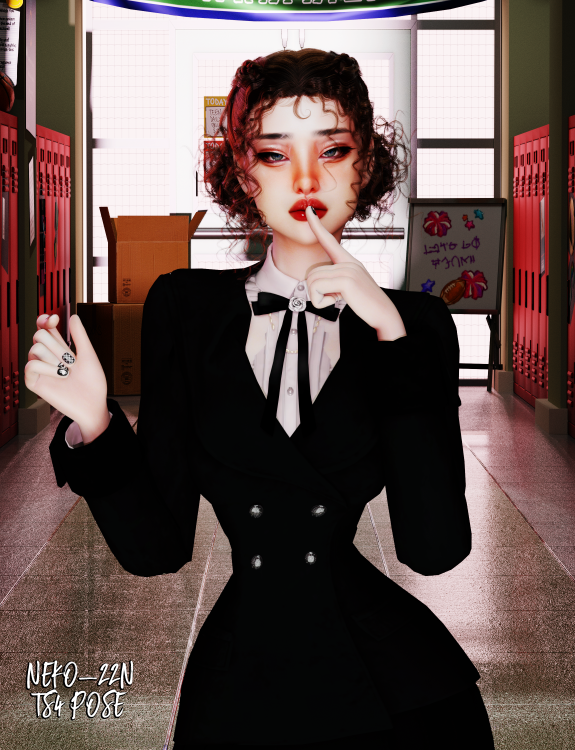
Here I want to briefly show the stages of my work, and so let's begin. ❤️
Здесь я хочу кратко показать этапы своей работы, так что давайте начнём. ❤️
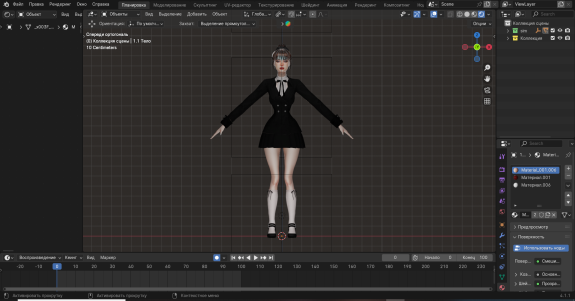
Stage 1
Replace the character's hair with Blender hair.
Замените волосы персонажа на волосы из Blender.
Eevee

Cycles

Stage 2
We create a pose.
Создаём позу.
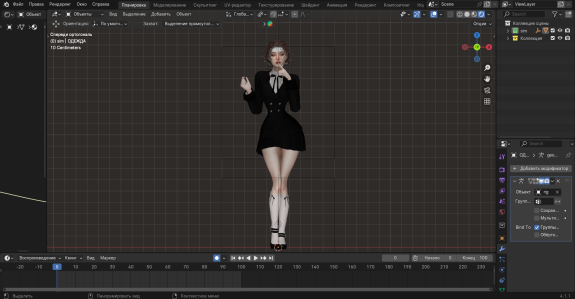
Stage 3
We place the character into the 3D Blender scene and set up the lighting.
Мы помещаем персонажа в 3D-сцену Blender и настраиваем освещение.
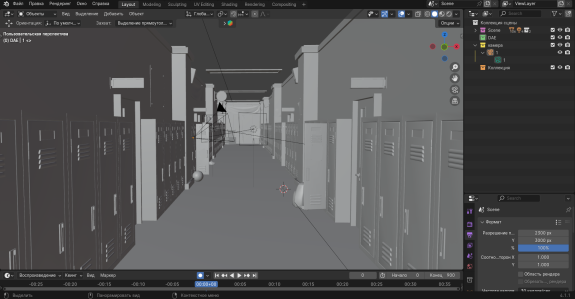
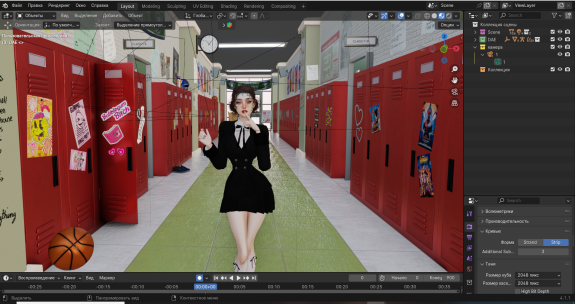
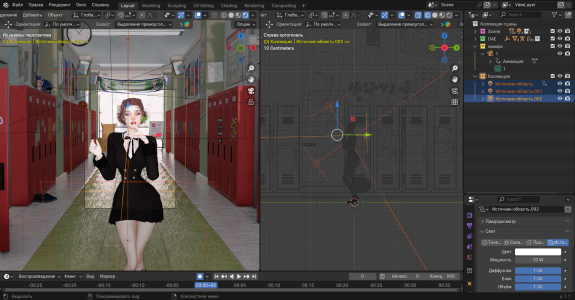
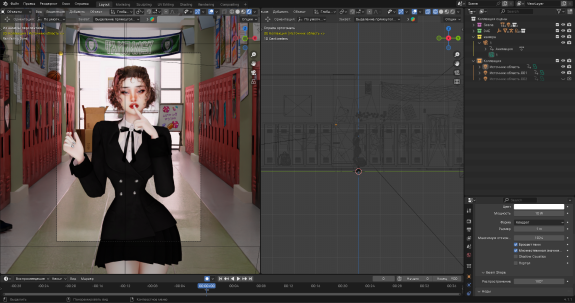
Stage 4
We render the image.
Рендерим картинку.
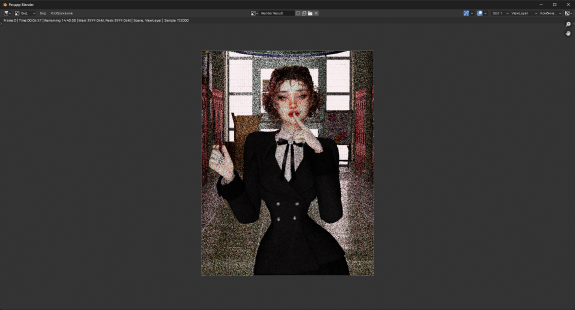
Stage 5
Next in Photoshop we do post-processing.
Далее в Photoshop мы выполняем постобработку.

Stage 6
Result
Результат
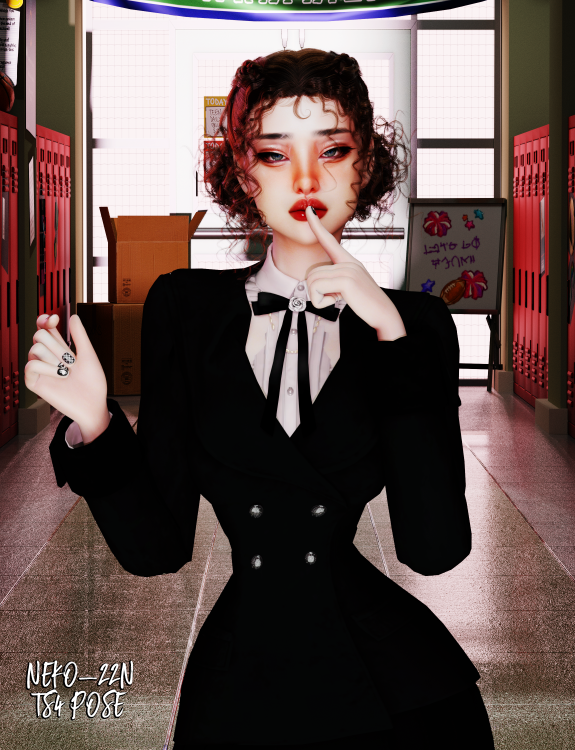
Below you can download the pose. 💕
P.S. I made this photo a bit faster than usual just to show you the stages - if I had spent more time on it, it would have turned out even prettier!
Thank you sooo much for reading, you're awesome! Lots of love! ❤️
Ниже вы можете скачать позу. 💕
P.S. Я сделала это фото немного быстрее обычного, чтобы показать вам этапы - если бы я потратила на это больше времени, получилось бы еще красивее!
Спасибо вам огромное за прочтение, вы замечательные! С любовью! ❤️
❤️ Ts4 ❤️
package
[neko_22n] The sims4 Pose #42.package211.35 Kb
poses
free


