hi! ever since i've started using cc, i've noticed a problem with many skirts and dresses - they seem to morph weirdly on plus sized sims. after learning to make my own cc, i finally found the culprit - it's the incorrectly applied vertex paint.
in this tutorial i will explain how to fix this to finally let your plus sized sims have cool clothes too! this is aimed at people who don't make cc and have little to no prior knowledge of blender. if you're making your own cc, you can skip most of the steps and just transfer vertex paint together with uv_1 and weights (that's how it's supposed to be done, anyway). if you are a cc clothing creator please please always check how your cc looks on different body presets, this is so important!
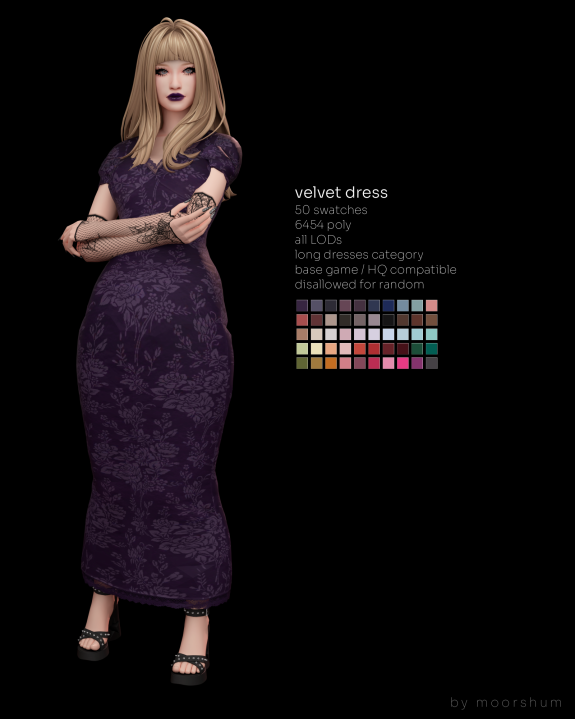
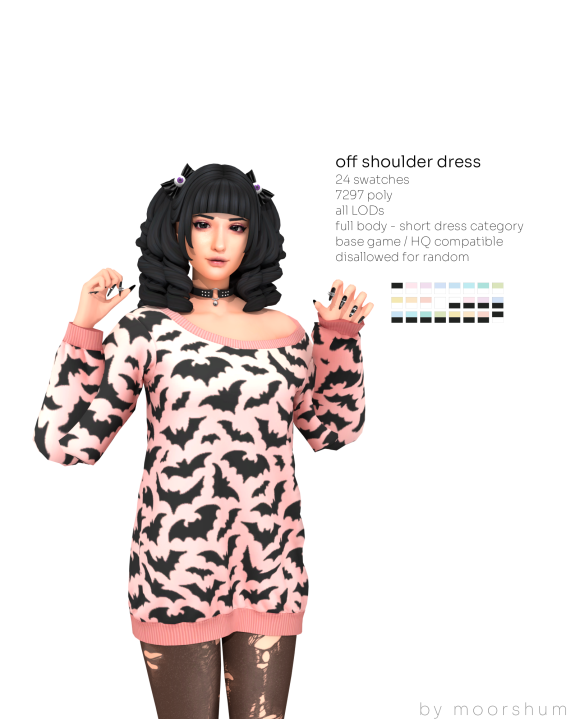
to not point fingers at any creators, i have made the example from my own dress. you can download the correct version with proper vertex paint here:
https://boosty.to/moorshum/posts/7e7b8fb9-e915-4f37-aedb-0bcc37cf5f9f before we start, you will need two free programs: blender and sims 4 studio. there are plenty of tutorials on how to install and use them so i won't focus too much on that and will only explain the steps that you need to do to fix the specific issue i mentioned earlier.
open sims 4 studio. you will need to enter your creator name to use it - just enter anything. press the "my projects" button - it should open the file manager. you'll have to find the cc you want to fix in your mods folder. when you open it, you will see something like this: