creator cover Julia Volgunova
Julia Volgunova

Julia Volgunova 

Retoucher, digital artist

16subscribers

9posts

goals2
$1 089.03 of $2 953 raised
For life and developing my skills
$1 757.06 of $1 477 raised
I want to raise money to develop my skills.

About

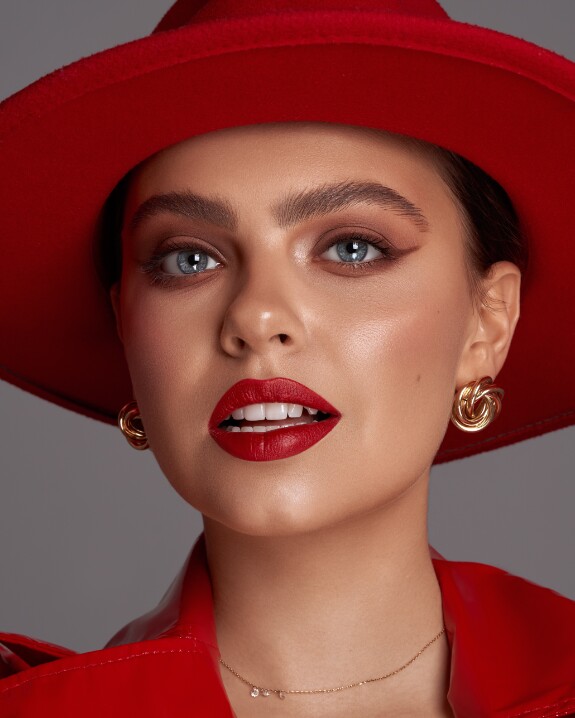
Hi everyone! My name is Julia, I'm a professional photo editor.
The main focus of my interests is portrait retouching - beauty, fashion, and others. 
In this blog I talk about retouching and show my work.

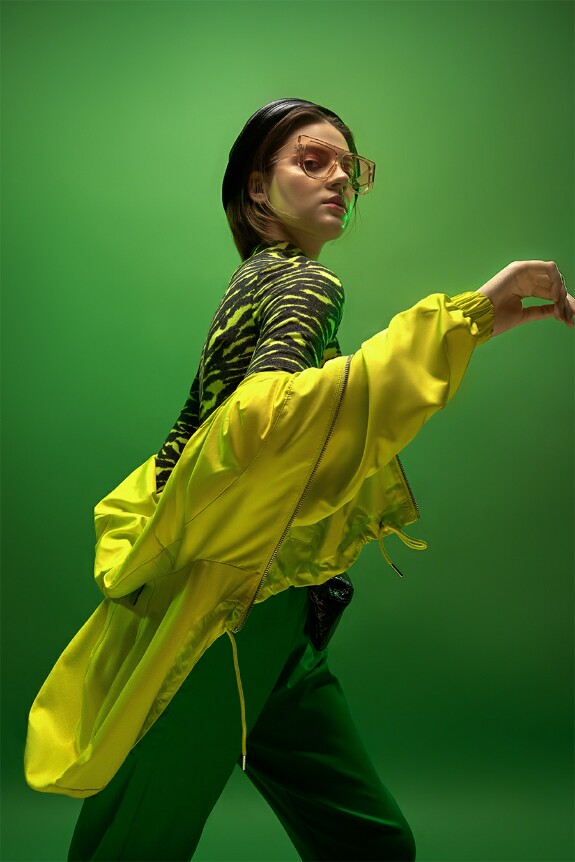
Full body retouch

Full body portraits retouching can be more difficult than beauty photos because there are so many nuances to consider. Whereas in beauty images or headshoots we focus on skin retouching, here it's secondary. What is important to pay attention to when we retouch full body portraits?
1. Improve the human body while preserving the anatomy.
2. Сlothes retouch - it is important to understand which creases on the clothing should be removed and which should be left. The texture of the fabric must be preserved. The edges should look harmonious and proportional. The shoes also need retouching.
3. Background retouch - аny distracting details can spoil the impression of the photo.
If you want to order retouch, just direct me or send me email on julivolgunova@gmail.com
Photographer: @alexandercroft
Retouch: @jv.retouch

How to work with dodge&burn technique

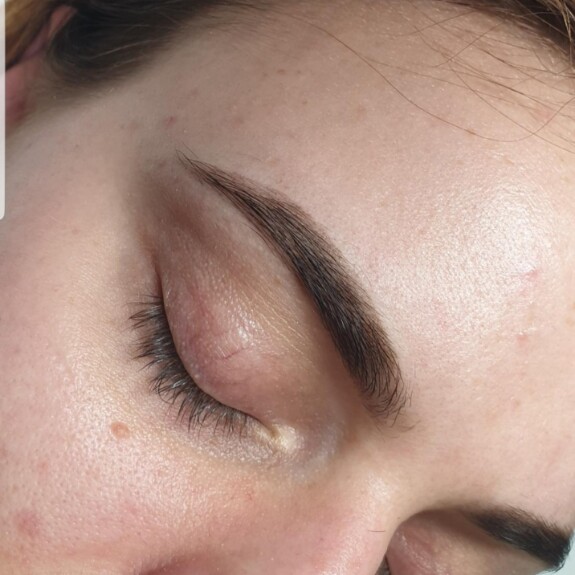
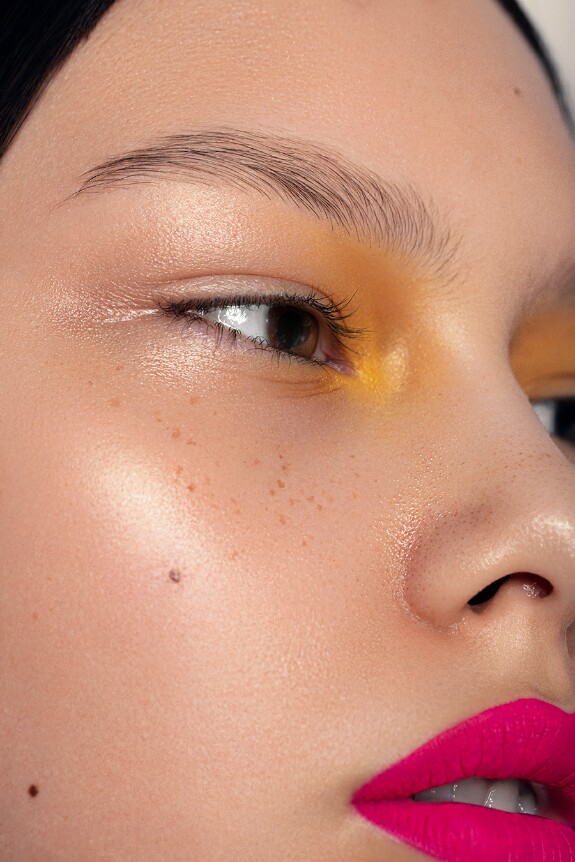
✅ Preservation of human anatomy is the main task for natural retouching.  I remove hillocks, skin folds, wrinkles, flabbiness and swelling, but not bones or muscles. Some areas are only slightly smoothed out to make them look better, such as nasolabial folds or areas under the eyes. But I never completely remove them because it make the face looking fake.
✅ The smoothness of the gradients and the preservation of highlights and shadows - I try to remove mid-frequency spots which contaminate the picture without making the picture flat. The highlights should remain highlights, the dark areas should remain dark.
✅ The texture shouldn't suffer - I try to do d&b without zooming too much to not blur the texture of the skin, most often I do d&b on 30-50% zoom of the picture.
✅ I usually work on a 50% gray Soft-Light-neutral color layer, but sometimes I use Curves if I want to achieve not only lightening or dimming but also adjust contrast, hue and saturation on the edited area.  

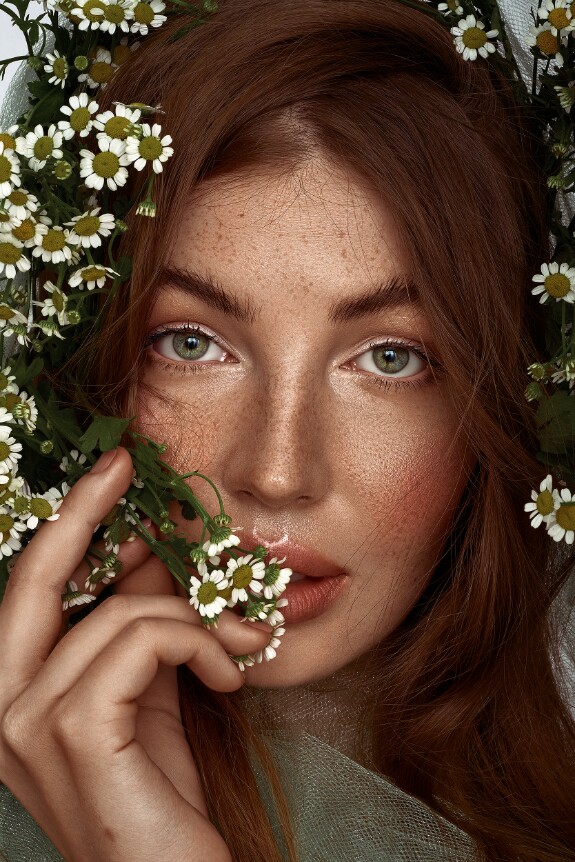
Retouching process

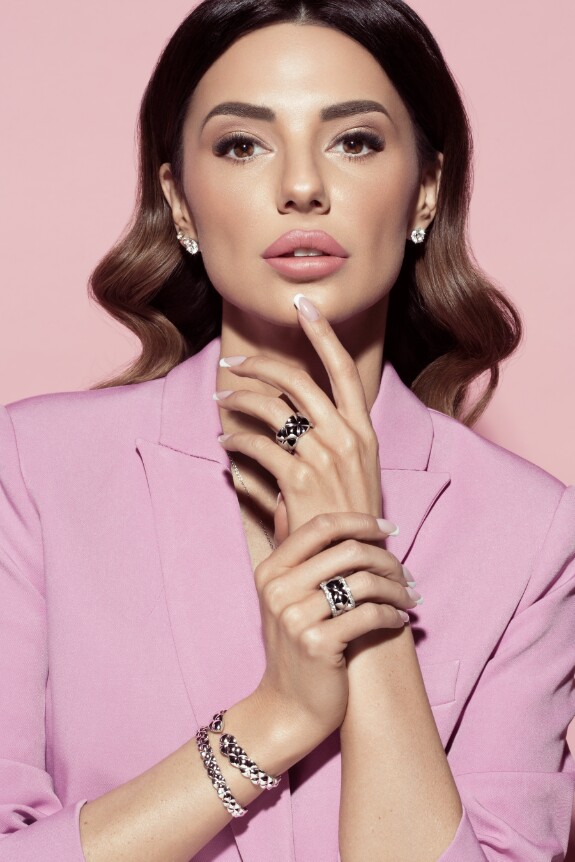
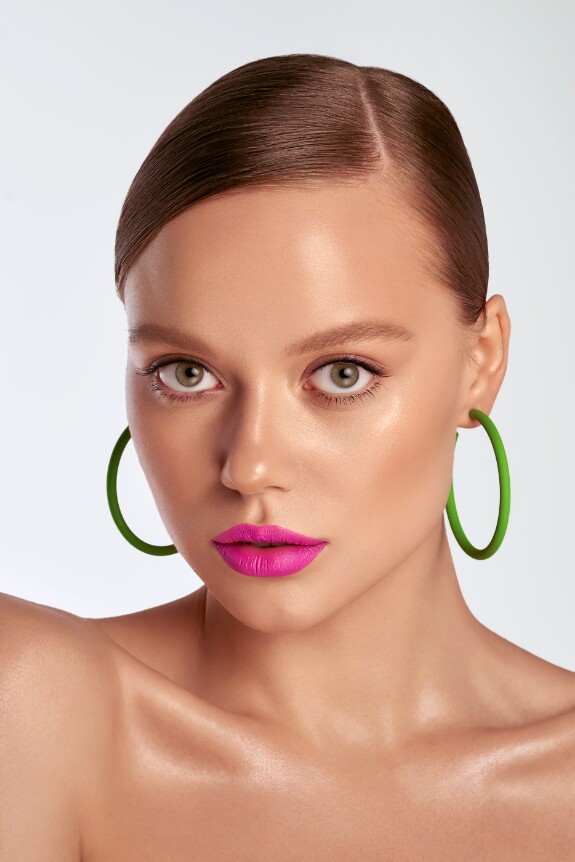
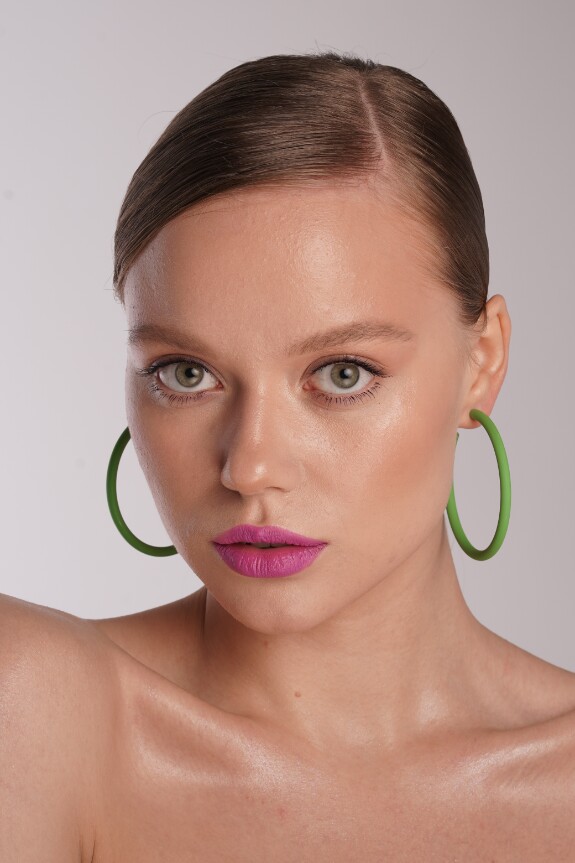
Job done:
- Texture cleanup
- Fly-away hair cleanup, added shine and volume to hair
- Dodge&burn
- Skin tone matching (darkened hand)
- Highlighted jewelry, added glitter
- Color grading
___
Credits:
Photographer: @nkoinova

My most commonly used adjustment layers in Photoshop

  🔸Curves - I consider it to be the most powerful tool in Photoshop, with the help of curves you can make any correction: contrast, brightness, saturation, tonality adjustment, parasitic shade elimination, color grading, changing object’s color.

🔸Hue/saturation - I use this adjustment layer on almost every picture. It is the best way for smoothing skin tone and removing stains. Also it is very useful if you need to change a single hue or repaint an object in a different color.

🔸Channel mixer - helps to make complex corrections by working with the channels, such as freckles enhancement, tan effect, highlights enhancement on the skin. You can also use this tool as one of the steps to color grade the image. Finally, it is one of the advanced ways to change the color of the object as naturally as possible, for example, to correct redness on human face.
____
Credits:
Creative Direction, Styling & Photography: Neha Mirsky

What retouching technique do I use?

I’m often asked what retouch technique do I use on the photo, frequency separation or dodge-and-burn? I usually use both of these techniques, but in different proportions. The point is not which technique to use, the point is HOW to use it.
🔸If you retouch a lot of photos for a catalogue or a client shoot, you're limited in time, so you have to use frequency separation.
🔸If you retouch beauty images, you need the most accurate and natural result, so the main technique is the dodge-and-burn. I use frequency separation in beauties and clouse-ups only for texture retouching, it helps to separate texture from the color and volume. And I use only dodge&bern to correct the lights and shadows.
❗️It is important to understand that there is no "right" or "wrong" retouching technique, your result depends only on the way you use it.  
Subscription levels0
No subscription levels
Go up