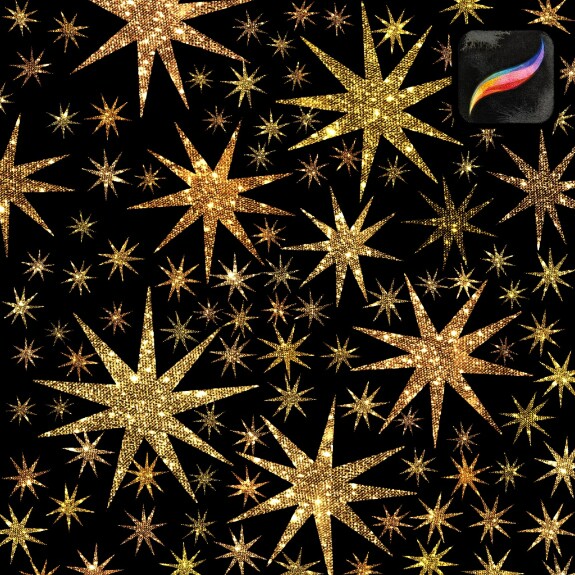
Glitter Star Stamp brush for free 💫
How to install the brush 💫 in Procreate:
You'll need an iPad or iPad Pro with the Procreate app and Apple Pencil. Make sure you are using Procreate version 5 or higher and your iOS is up to date.
1.Download the brush to your device. It will be in .zip format
2. Click on the .zip file to extract the brush
3. You will see a folder containing a .brush file
4. Click on the file and Procreate will automatically import it and add it to your brush library
5. Enjoy your new glitter brush 💫