
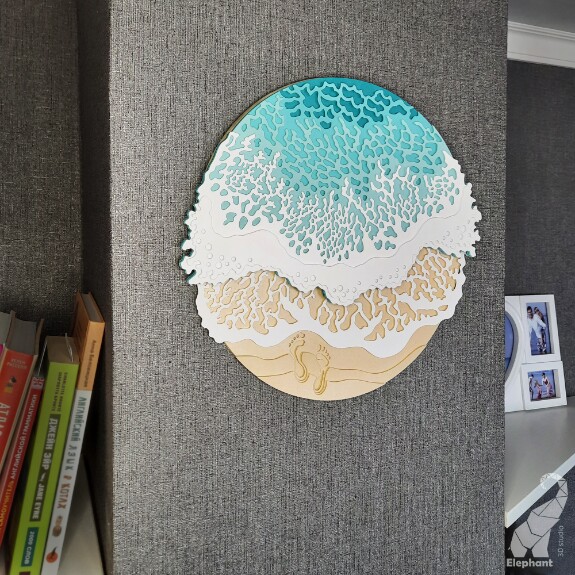
3D layered sea
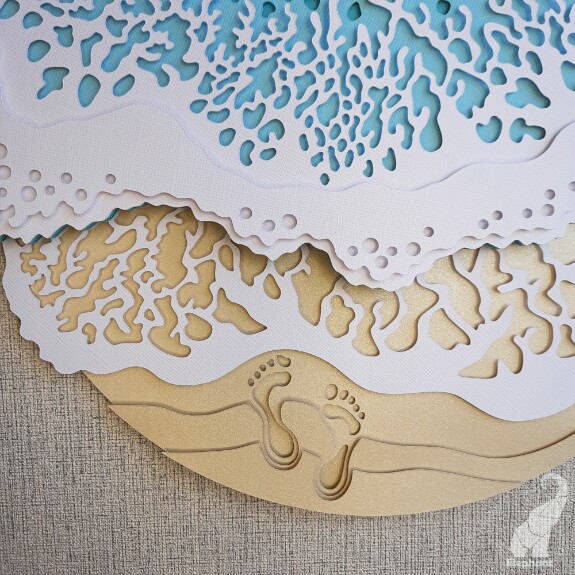
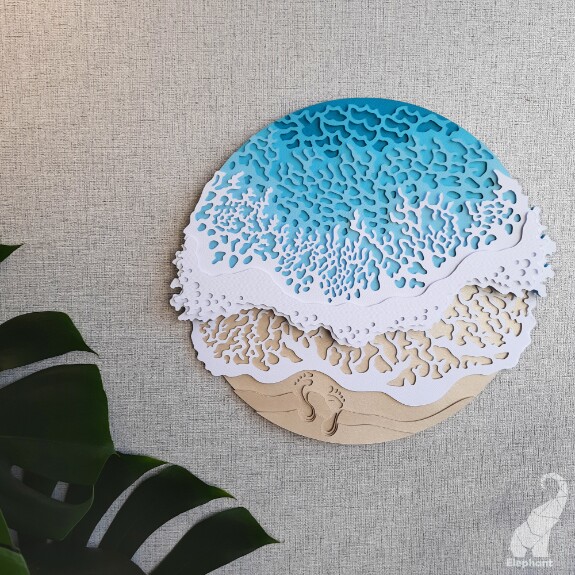
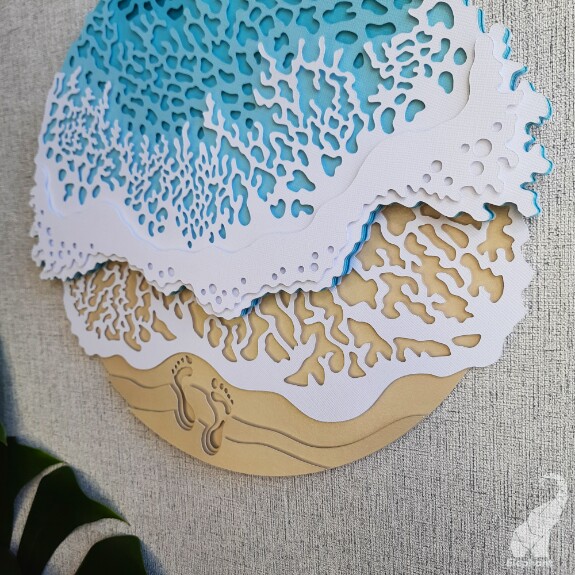
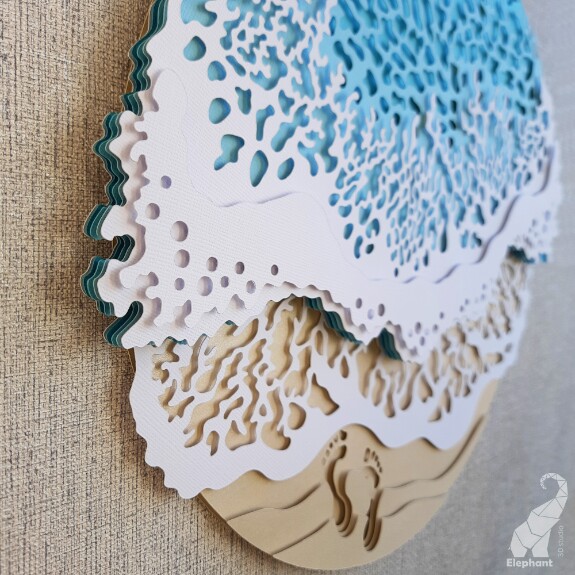
I present to your attention a template for cutting a round multilayer panel in the form of a sea. This post provides descriptive information and photos. To buy and download the template, scroll down or go here.
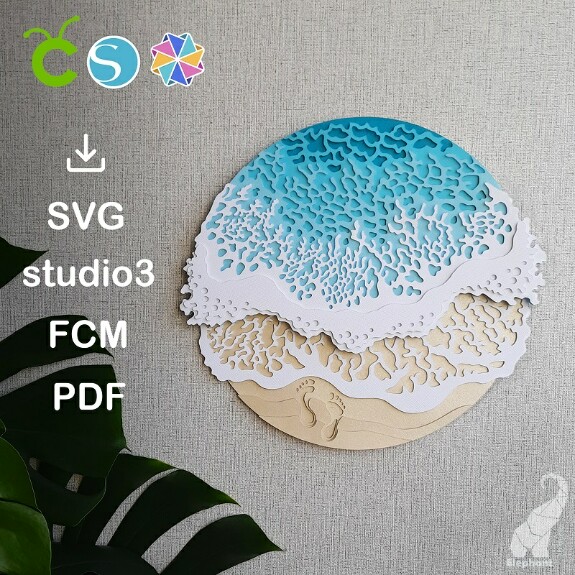
This template is suitable for cutters with cutting widths from 30 cm (12 inches):
- Cricut (except for Cricut Joy)
- Silhouette (except for Curio and Portrait)
- Brother ScanNCut
- other cutting machines that support SVG file format.
Basic information:
♥ Size: 32 x 29 cm (12.5 x 11.5 in).
♥ Amount of detail: 10. Approximate assemble time: 40 minutes.
♥ Materials and tools you need: 8 sheets of cardstock 30.5 x 30.5 cm 12 x 12 in (density of 200-300 g/m2), glue or double-sided self-adhesive foam pads, cutting machine.
ZIP archive includes the following files:
1) PDF tutorial in English
2) SVG template files for Cricut Maker, Cricut Explore
3) Silhouette Studio template (studio3 files) – files for Silhouette Cameo
4) FCM template – files for Brother ScanNCut
5) PDF template
You can watch a short assembly video here:
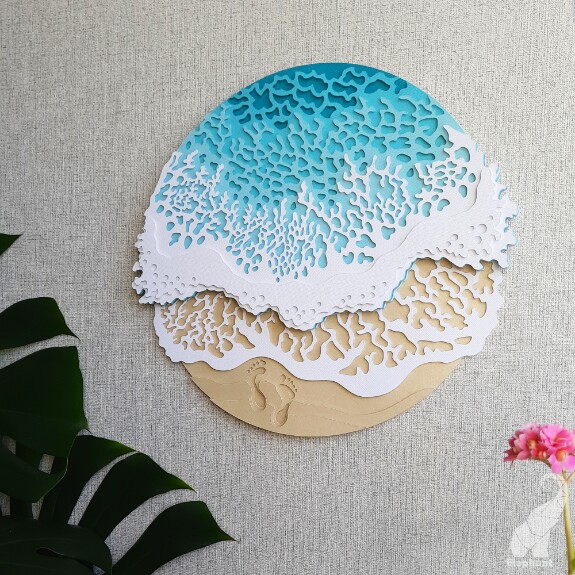
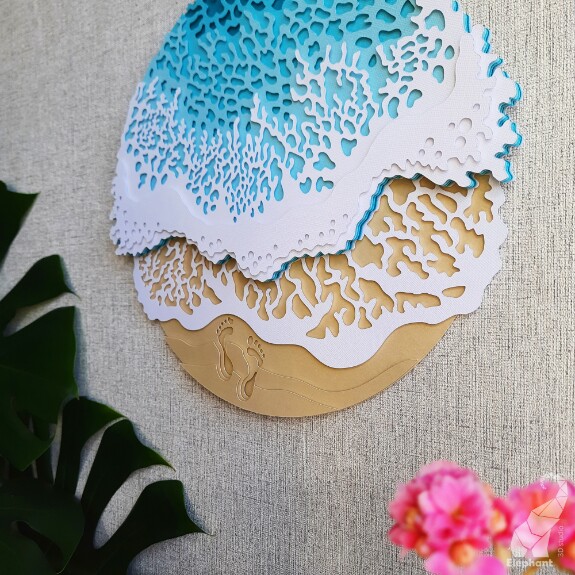
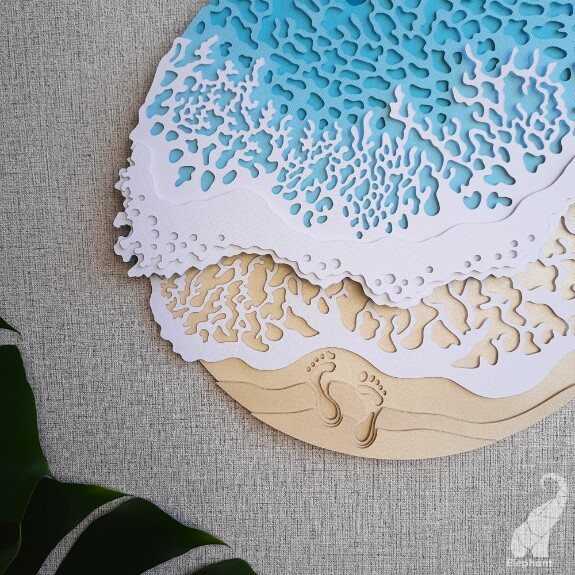
Photos of the finished product:

To buy and download the template, scroll down or go here.
sea svg
3d mandala svg
wall decor svg
multi layer mandala
layered file for cricut
layered file for silhouette
files for brother scanncut
mandala glowforge
laser cut files
layered svg template

Vicky Girdler
I purchased this file, paid with paypal. How do I download the file?
Mar 20 2022 19:57

Tatyana Sinelnikova
Hello Vicki! After confirming the payment, you should have access to the post https://boosty.to/3dstudioelephant/posts/da352ad6-bbdd-4bd7-a68f-7795e373c143?share=post_link which contains a link to download files, if you have problems, please contact me by email 3dstudioelephant@gmail.com or telegram @Tati_Sinelnikova or Instagram @3dstudioelephant
Mar 20 2022 20:08
Vicky Girdler
For some reason I can not get the payment to go thru PayPal
Mar 20 2022 21:01
Tatyana Sinelnikova
Vicky Girdler, please, in this case, try to pay by card or try to pay with PayPal again a little later. If the problem will not be resolved, please contact me at the above contacts
Mar 20 2022 21:14